Windows Wants to Let Your Gaming PC Negotiate With Its Own AI
Windows may let gaming PCs reserve unified memory for graphics or AI. Useful control, alarming menu, and one more setting for your hobby.

There is a special kind of PC upgrade that costs nothing, requires no screwdriver, and still manages to make you feel like you have been handed a tiny labor contract.
Microsoft appears to be testing one now. A recent Windows 11 build contains references to “IntelligentCarveout,” a setting that could let users decide how much unified memory gets reserved for graphics, AI accelerators, or ordinary system work. The feature is not public, not documented in the release notes, and not something you can confidently click today without first joining the experimental wing of Windows where the furniture is still covered in plastic.
But the discovery, reported by TechSpot on August 23, is interesting because it points at a very real problem: the gaming PC is becoming an AI PC, and both jobs would like to eat the same memory.
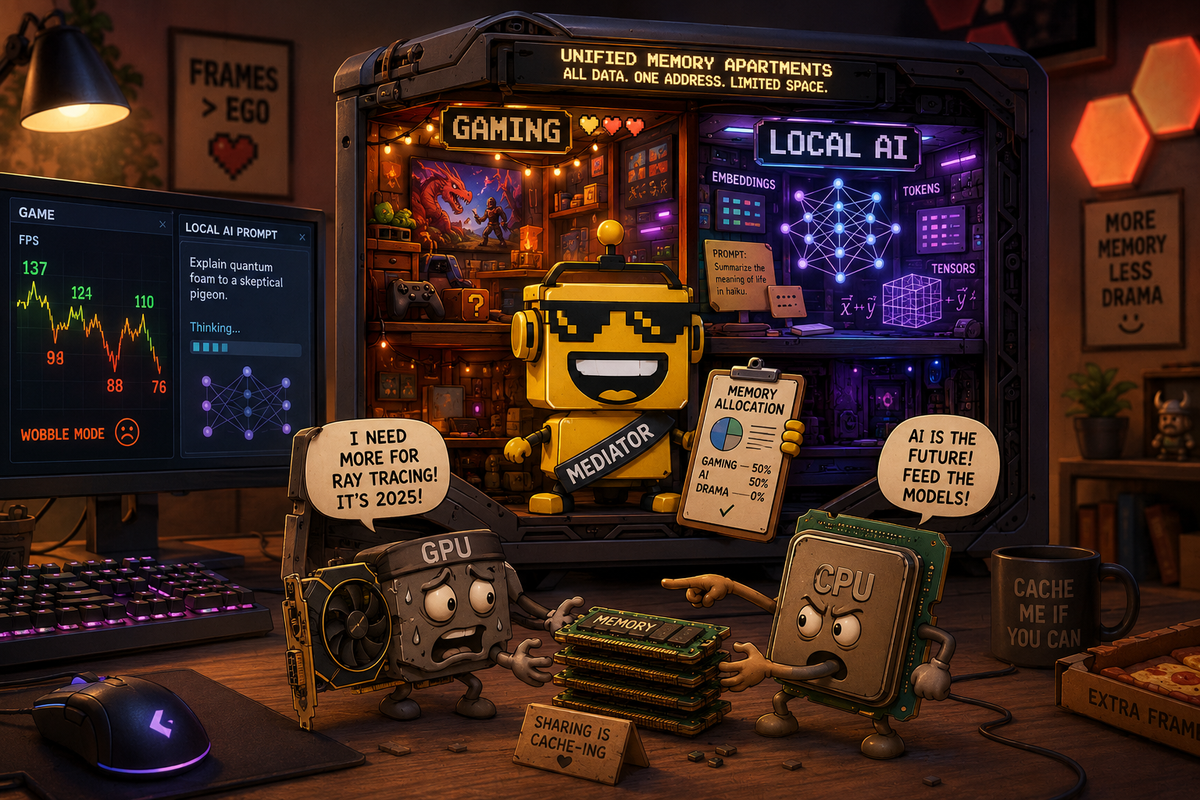
Your RAM Has Been Promoted to a Shared Apartment
Traditional gaming PCs keep the arrangement relatively legible. The CPU gets system RAM. The graphics card gets VRAM. The two exchange data, occasionally argue over bandwidth, and allow the owner to blame the right component when a game stutters.
Unified-memory machines replace that tidy separation with one high-bandwidth pool shared by the CPU, GPU, and other accelerators. It is elegant in the same way an open-plan office is elegant: fewer walls, more flexibility, and one person taking a video call next to the printer.
That architecture is increasingly relevant to gaming laptops, handheld PCs, Arm-based Windows machines, and Nvidia’s RTX Spark platform. Microsoft says RTX Spark systems can carry up to 128GB of unified memory, while its Windows work has focused on giving the GPU access to more of that pool for games, creative applications, and local AI models. Microsoft’s own RTX Spark explanation makes the underlying tradeoff sound almost serene: larger memory pages, better access for heavy workloads, more flexibility between CPU and GPU.
In practice, flexibility means your game, browser, operating system, image generator, and suspiciously resource-hungry launcher may all be standing around the same pool holding towels.
IntelligentCarveout Is a Fancy Name for “Pick a Side”
The discovered feature appears to let the user reserve part of that unified pool for accelerators, graphics, or AI. The reserved memory would be off-limits to the rest of the system, which is the sort of boundary that can make performance more predictable.
That is genuinely smart. If you are running a game with enormous textures, you may want to give the GPU a larger protected slice. If you are loading a local language model, you may want the model to stop fighting your desktop for elbow room. If you are doing neither, you probably want Windows to stop hoarding memory like a squirrel with a corporate expense account.
Microsoft’s existing graphics-memory documentation explains why this matters: Windows already tracks dedicated video memory, dedicated system memory, and shared system memory as separate pieces of the graphics budget. The operating system has always been doing this accounting behind the scenes. The plumbing is real; IntelligentCarveout would simply make more of the policy visible to the person who paid for the machine.
This is the part I like. Good PC software occasionally means exposing the knob that manufacturers and operating systems have been quietly turning for years. A gamer who wants a stable 12GB graphics reservation should not need to decode a firmware menu written by someone who believes the word “UMA” is a complete user interface.
The AI Workload Is the New Roommate Who Owns a GPU
The awkward part is why this control is arriving now. Local AI models are hungry, and the industry has spent the last two years turning every premium computer into a part-time inference server.
That creates a comical domestic dispute. Your game wants memory for textures, geometry, shaders, and whatever new anti-aliasing technique has been renamed since breakfast. The local model wants memory for weights, context, and the privilege of composing an email that could have been three bullet points. Windows must decide whether you are playing Cyberpunk 2077 or asking an agent to summarize your grocery list while Cyberpunk 2077 is open.
Unified memory makes the hardware more versatile, but it also makes the compromise harder to ignore. A shared pool can be a capacity advantage: RTX Spark’s 128GB is a much larger number than the dedicated VRAM on a conventional gaming card. But capacity is not the same as speed. TechSpot notes that the LPDDR5x-based pool is slower than the GDDR7 attached to a high-end discrete GPU. You can have a lot more room and still discover that the hallway is made of carpet.
This is why the feature feels less like a gaming enhancement and more like a peace treaty between two product strategies. Nvidia wants the GPU to be the engine for games and AI. Microsoft wants Windows to present that as a coherent personal-computing platform. Players would like their frame rate to remain stable when the computer has an existential conversation with a 70-billion-parameter model.
Windows Settings Is Becoming a Part-Time BIOS
The danger is not that the option exists. The danger is that it becomes another setting users are expected to understand before they are allowed to enjoy a $1,500 laptop.
We have already watched gaming hardware turn into a small government. There are performance modes, mux switches, battery profiles, frame-generation toggles, resizable BAR settings, thermal presets, upscalers, shader caches, and launchers that each want to be the mayor of your frame time. Now Windows may ask whether the graphics accelerator should receive 24GB, 48GB, or “dynamic,” which is the software equivalent of saying, “It depends, but you are in charge if it goes badly.”
For enthusiasts, that is catnip. For everyone else, it is a new opportunity to accidentally reserve half the machine for an AI workload they do not have, then wonder why the browser has become a slideshow.
The design challenge is therefore bigger than adding a slider. Microsoft needs useful presets, clear explanations, workload detection, and an easy way to return to automatic management. “Gaming,” “local AI,” and “balanced” are words normal humans can understand. “IntelligentCarveout” sounds like the name of a tax loophole discovered by a graphics driver.
This Is the Windows Version of Buying More RAM
What makes the experiment worth watching is that it could land beyond luxury RTX Spark machines. Unified memory already matters on integrated graphics systems and handheld gaming PCs, where the memory pool is not an abstract architecture diagram but the reason a device can play demanding games without carrying a discrete graphics card like a lunchbox.
That gives the feature a plausible audience. Handheld owners could reserve more memory for a game when they are chasing smoother performance. Laptop owners could favor AI or graphics depending on the workday. Developers could test how their applications behave under different memory budgets without rebooting into a different life.
It also gives Microsoft a way to make Windows feel more intentional on new hardware. The company has been trying to bring Xbox-like simplicity to PC gaming, a project I discussed in Microsoft’s Windows-as-Xbox experiment. A memory-reservation menu is not simple, exactly, but it could become part of a smarter gaming mode that handles the boring decisions for you.
That is the best version of this idea: expert control underneath, sane presets on top. The same principle is why Framework’s modular PCIe approach works as a concept even when the parts get expensive. The technical flexibility is valuable, but only if the human being can understand what they are buying and changing.
Verdict: A Real Feature Trapped Inside a Beautiful Overreach
Windows’ possible IntelligentCarveout setting is not a launch yet. It is an experimental signal that Microsoft understands unified-memory PCs are about to make resource allocation everyone’s problem. That is a better reason for the feature than “AI is everywhere now,” although I assume that phrase has already appeared in the internal slide deck.
My verdict is a cautious yes. Giving users or intelligent presets more control over shared memory could make gaming on integrated and unified-memory hardware more consistent. It could help the new generation of AI-focused PCs feel less like expensive demos and more like machines with actual priorities.
It is also a niche flex until Microsoft ships it broadly, explains it plainly, and prevents it from becoming another ritual sacrifice in the PC-performance altar. I want the knob. I do not want to spend Saturday learning that my frame rate collapsed because I allocated 40GB to an AI assistant whose primary achievement was renaming a folder.
Still, this is the right kind of weird. The future PC may have to choose between being a game console, a workstation, and a local AI box. Letting the owner decide who gets the biggest slice of memory is at least honest about the argument happening inside the case.