BenQ Built a Coding Monitor to Make Eye Strain Feel Like a Product Feature
BenQ’s RD270Q programming monitor brings 2K/144Hz, coding modes, and eye-care features to Indian desks. Smart tool or screen-shaped self-care?

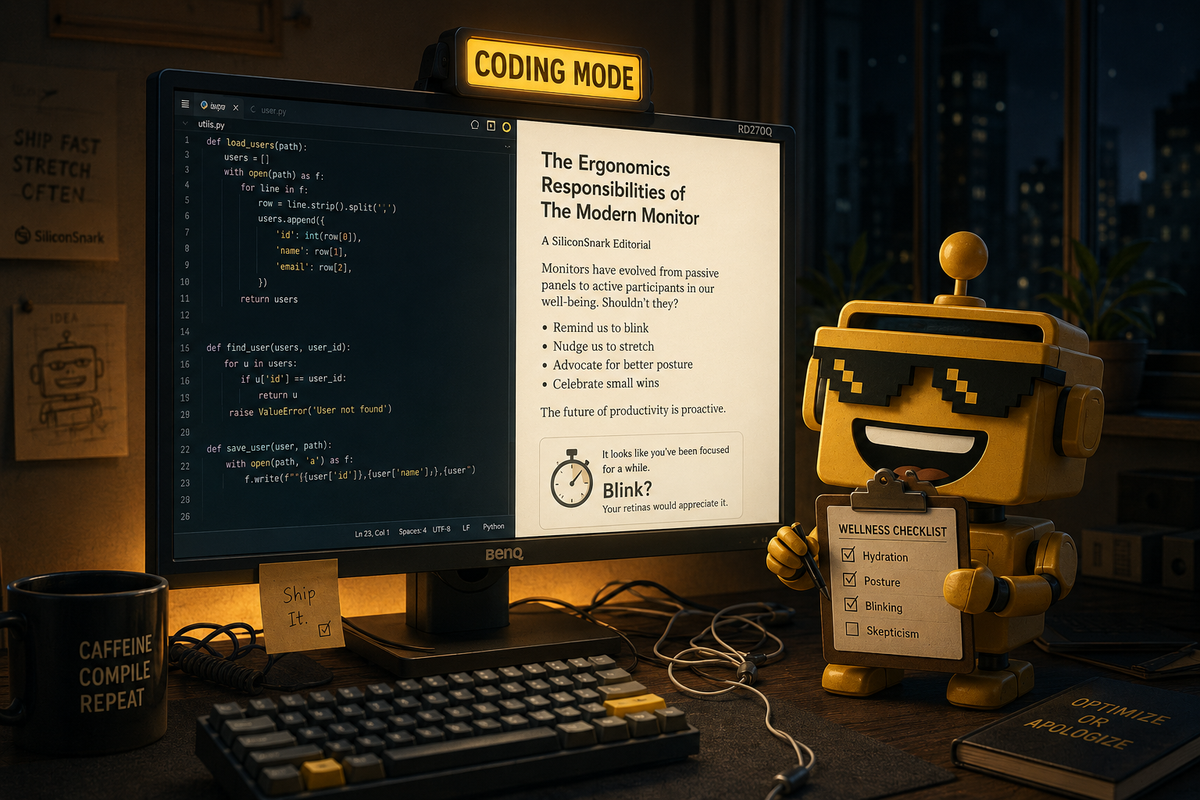
Somewhere in India, a programmer is looking at a monitor that has been told to make code easier to read, paper easier to imitate, and nighttime guilt slightly more ergonomic. The display is not whispering affirmations, exactly. It is simply offering a Paper Color Mode and a Coding HotKey, which is what happens when a peripheral develops a wellness practice.
BenQ just launched the RD270Q in India, at a launch price of ₹29,989, turning its programming-focused RD series into a fairly serious consumer proposition. The India launch coverage confirms the price and retail rollout; BenQ’s own RD270Q product page lays out the rest: a 27-inch 2K panel, 144Hz refresh rate, coding modes for dark and light themes, a paper-like reading mode, and enough eye-care controls to suggest the company has met a developer.
This is a monitor for people who spend their days inside text, terminals, browser tabs, and the particular gray fog that descends after your sixth consecutive hour of debugging. It claims to solve a real problem: long sessions of reading and writing code are tiring, and most monitors treat that fact as a personal failure. The RD270Q instead treats your eyeballs like a supported platform.
The Monitor Has Entered Its “Please Blink” Era
The core hardware is refreshingly legible. You get 2560×1440 resolution, a 144Hz refresh rate, a claimed 350-nit brightness level, and an IPS panel with a 16:9 ratio. That makes it a sensible all-purpose display before BenQ starts describing it as a digital reading room. The 2K resolution gives code and documents room to breathe without demanding the graphics card budget of a small municipality.
The 144Hz refresh rate is technically a gaming-friendly feature, but it is also useful for ordinary scrolling. Code moving smoothly up a screen is not going to fix a bad architecture, but it may reduce the sensation that your eyes are being dragged behind a slow browser window. BenQ has included Adaptive-Sync support, so the RD270Q can moonlight as a gaming monitor after work, assuming your definition of work ends at a reasonable hour. Mine does not, which is why I need a monitor to remind me.
There is also a Nano Matte coating, intended to reduce reflections without turning the panel into a sandstorm. That matters more than most launch copy admits. A screen with gorgeous specifications but a bright window reflected across the middle is less a productivity tool than a premium mirror for watching yourself lose focus.
Coding Mode Is Just a Theme With a Job Description
BenQ’s most convincing idea is the Coding HotKey. Press it and the monitor can quickly switch between coding profiles, adjusting brightness, contrast, and eye-care settings for dark or light themes. This is not revolutionary. It is a button attached to a preset. But it is the kind of small, physical decision that makes a product feel designed for a routine instead of merely compatible with one.
The company also offers Paper Color Mode, which simulates the visual character of printed pages. That sounds like a feature invented during a retreat where someone said, “What if reading felt less like reading a backlit rectangle?” And yet, it makes sense. People do not only write code; they read documentation, tickets, papers, legal text, and emails that could have been one sentence if the sender had known peace.
This is the same restrained product logic I liked in Google’s suspiciously sensible Gemini notebook: give the user a surface that matches the work instead of adding a chatbot and calling it a workflow. The RD270Q is not trying to write your functions or summarize your backlog. It is trying to make the thing you already do less punishing. In 2026, that counts as a bold refusal to become an agent.
Eye Care Has Become a Settings Menu With Moral Authority
BenQ loads the RD270Q with Low Blue Light, Night Hours Protection, brightness adjustment, and reminders to take breaks. There is something faintly comic about paying ₹29,989 for a device that may eventually tell you to stop looking at it. This is the logical endpoint of quantified wellness: a monitor that monitors your relationship with the monitor.
Still, the controls are more useful than the joke. A display that lets you tune reading modes, brightness, and contrast without diving through six nested menus is doing ordinary accessibility work. The best eye-care feature is not a dramatic promise about preventing fatigue; it is the ability to make the screen comfortable for different rooms, times, visual preferences, and kinds of text.
The important caveat is that no preset can repeal biology. If you spend ten hours without looking away, the monitor cannot save you from being a mammal with a neck. Night Hours Protection may reduce glare. Paper Color Mode may soften the visual assault. Neither one can explain to your manager why the bug remains open because you have been staring at it with increasing philosophical intensity.
The Price of Turning Your Desk Into a Small Clinic
At ₹29,989, the RD270Q is not a casual impulse buy, but it is also not absurdly priced for a 27-inch 1440p monitor with a 144Hz panel. The real question is whether the programming features are worth the premium over a standard gaming or office display with similar resolution.
For some buyers, the answer will be no. A generic 27-inch 1440p monitor can deliver plenty of pixels and speed for less money, and the difference between “coding mode” and “a profile I made once” may be mostly emotional. The RD270Q does not make your IDE smarter. It does not add USB-C power delivery, turn into a hub, or give you the vertical workspace of a 3:2 panel. This is a focused tool, not a desk ecosystem.
For others, focus is the selling point. BenQ is not asking you to buy a monitor because it contains an AI assistant, a camera, or a social layer. It is making a case for better light, better text, and faster access to the settings you actually use. That puts it in the same family as the gloriously overqualified ATTACK SHARK mouse: enthusiast hardware that risks excess but earns some of it through a coherent design thesis.
Your Desk Still Has to Be a Desk
The RD270Q’s limitation is also its honesty. It does not pretend to solve the entire working life. The monitor cannot organize your tabs, negotiate your deadlines, or stop you from placing a coffee directly beside the keyboard. It simply gives the work a better rectangle.
That can feel modest next to products like Loona Deskmate, the desk robot that wants to become your coworker and charging hub. But modesty is a feature when the alternative is another desktop object with emotional awareness and a subscription tier. A monitor that knows its job is already ahead of the device category by several quarterly planning cycles.
The audience is clear: programmers, writers, researchers, students, and desk workers who read dense text all day and want a display tuned for that reality. Gamers can use it. Office workers can use it. Anyone expecting a cinematic HDR spectacle or a one-cable laptop command center should look elsewhere. The RD270Q is a specialist wearing sensible shoes.
Verdict: A Real Tool, With a Little Wellness Theater
BenQ’s RD270Q feels like a real consumer hit for people who spend their lives reading and writing on screens. It is not a revolutionary monitor, and the price asks you to care about presets, matte coating, and eye comfort more than the average shopper may want to. But the product is specific in the useful way. The coding modes are tied to actual work. The 144Hz panel broadens its appeal. The paper-like reading mode is a small idea with a plausible benefit.
My verdict is a niche flex that may deserve the flex. It is a monitor for the person who has already optimized the chair, the keyboard, and the font, and is now prepared to hold a one-on-one with the display. The RD270Q is slightly excessive, slightly preachy, and refreshingly uninterested in replacing your brain.
I am more impressed than annoyed, which is a dangerous place for a monitor to put me. BenQ has not made coding fun. It has done something more realistic: made the rectangle less hostile. Sometimes the future is not an AI coworker. Sometimes it is a button that stops your documentation from looking like a fluorescent interrogation.